Your browsing history is one long list of everything. Site History shows only the pages you visited on the site you are currently looking at — today, yesterday, or across any range of dates.
Add to Chrome How it works Privacy
What it does
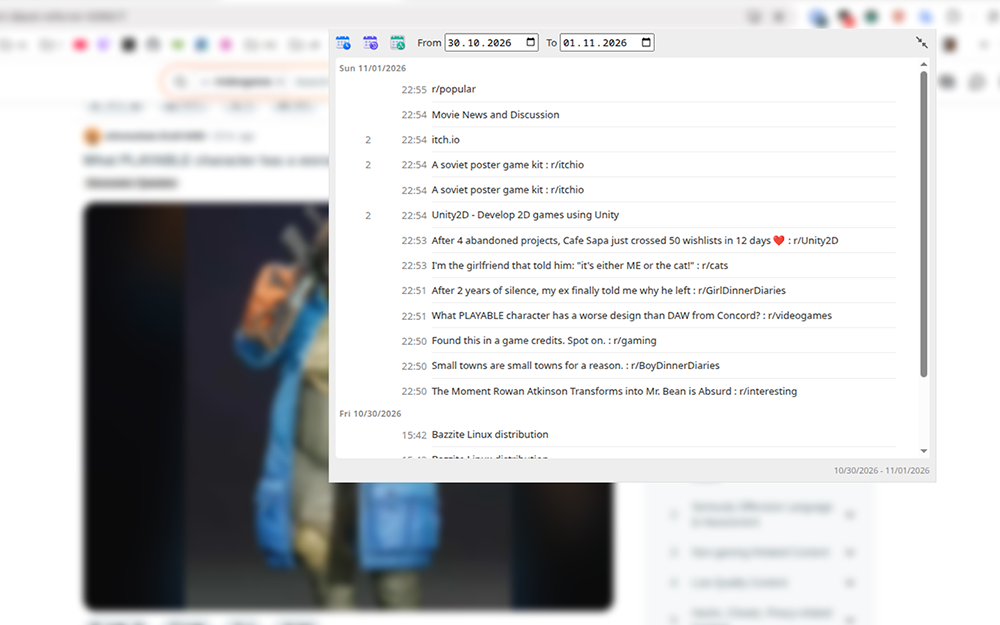
- Site-only view. Results are filtered to the hostname of the current tab, so a long session on one site never gets mixed up with the rest of your history.
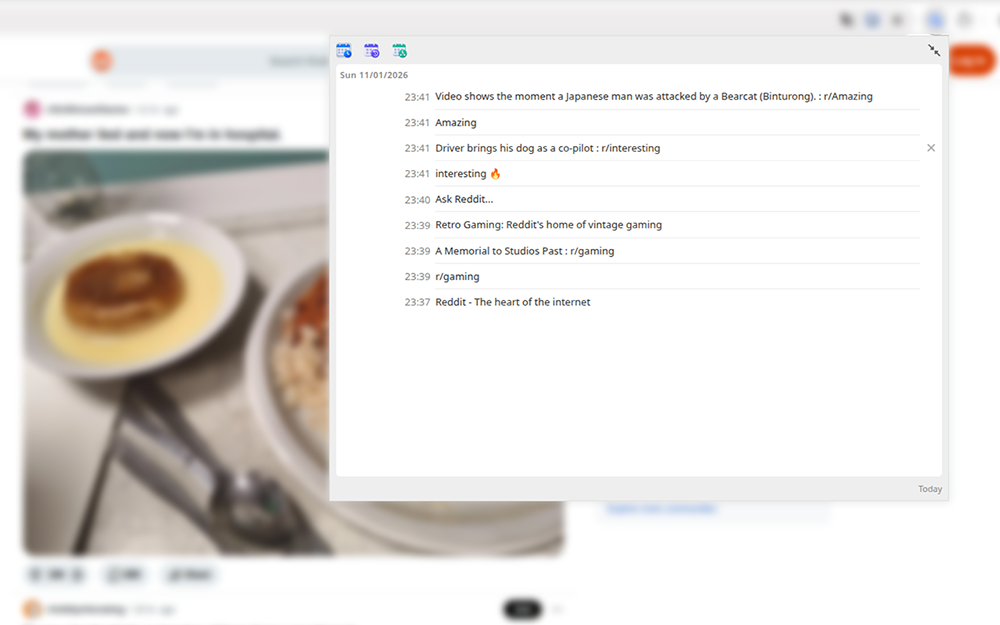
- Three periods. Today, yesterday, or a custom range with a start and an end date.
- Grouped by day. In a date range, entries are split under a date heading that stays pinned while you scroll.
- Visits and time on every row. How many times you opened the page that day, and at what time.
- Two sizes. Keep the popup compact, or widen it to 800 × 600 to see many more rows. Your choice is remembered.
- Comfortable with big histories. Results load in batches as you scroll, so a site with thousands of visits opens instantly.
- Clean up while you browse. Hover a row and click the cross to remove that page from your browsing history.
How to use it
- Open any website.
- Click the Site History icon in the toolbar.
- Pick today, yesterday, or the calendar icon to set a start and an end date.
Privacy
No servers, no accounts, no analytics, no tracking, no ads. Your history is read on your own machine and rendered straight into the popup. Nothing ever leaves Chrome.
The extension requests two permissions: Browsing history, to build the list, and Active tab, to know which site you are on.
Read the full privacy policy, which details exactly what is accessed and what never leaves your browser.
Details
- Price
- Free
- Version
- 1.0.0
- Browser
- Chrome 88 and later, and other Manifest V3 browsers
- Permissions
- Browsing history, Active tab
Good to know
-
Pages are matched by hostname, so
mail.example.comandexample.comare treated as different sites. -
Internal Chrome pages (
chrome://, the Web Store) expose no readable address, so the popup asks you to open a website first. - Day boundaries and times follow your local clock.
- Removing a page deletes it from your history completely, for every day — not only for the selected range.
Contact
Questions, bug reports and feature requests: kishkinka@gmail.com.